
Minecraft on Nintendo Switch is Bedrock Edition, and Pixelmon is a Java Edition mod, so Pixelmon can't be installed on Switch. What you can do is join a Pokémon server made for Bedrock. On Switch, the easiest way is through your Friends list.
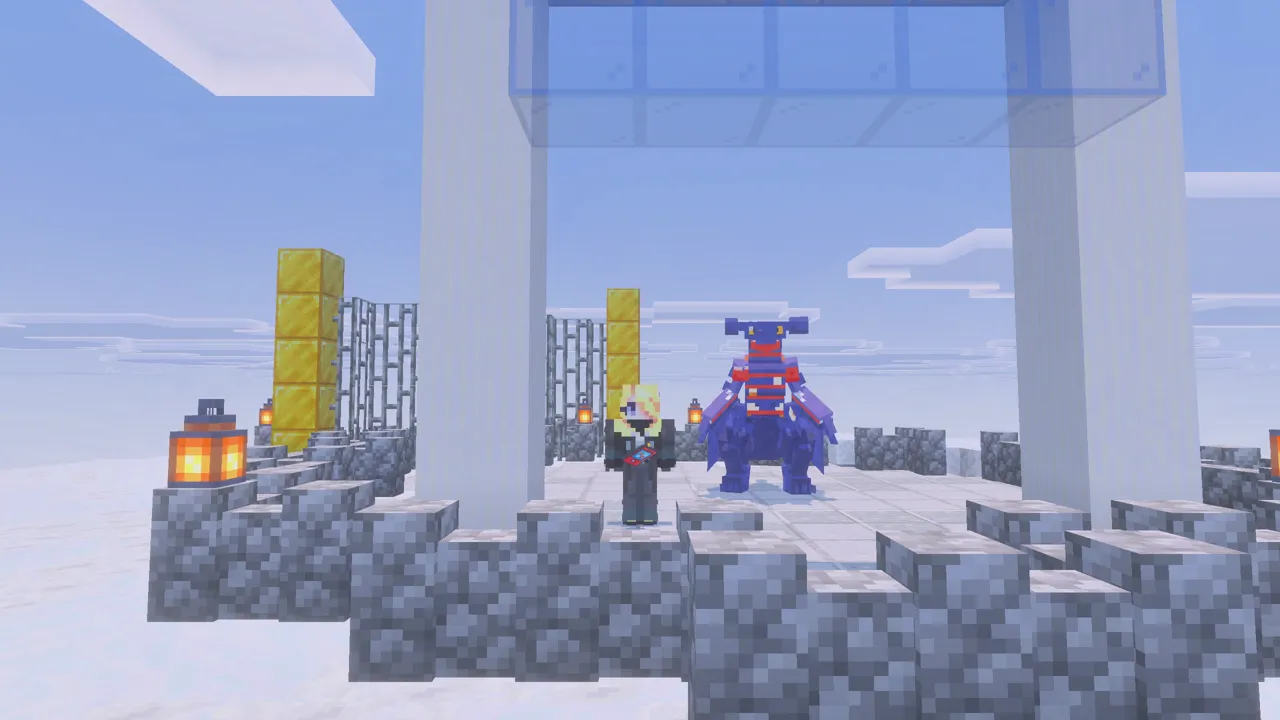
How to join on Switch
- Make sure you're signed in to a Microsoft (Xbox) account in Minecraft.
- Add the friend Pocketmobs: in Minecraft, go to Play → Friends → Add Friend and search Pocketmobs.
- Go back to Play → Friends.
- Under Joinable Friends, choose PocketMobs and join.
Online play on Switch needs Nintendo Switch Online. You also need a free Microsoft account signed in to Minecraft.
What's on the server
- Real Pokémon battles: turn-based, with real moves, types, abilities, status effects and catch rates.
- 700+ wild Pokémon that spawn by biome, time of day and weather. See the spawn list.
- Legendaries that land near players every hour or so, with their own battle openings. See legendaries.
- Raids, gyms, trainers, Champion Cynthia, the Safari Zone, the Battle Factory and the Battle Tower.
- Every starter from Gen 1 to Gen 9, Mega Evolution, shinies, eggs and trading.
FAQ
Can you get Pixelmon on Nintendo Switch?
No. Pixelmon is a Java Edition mod. On Switch you can play the PocketMobs Pokémon server instead.
How do I join a server on Switch Minecraft?
Add the friend Pocketmobs, then go to Play → Friends and join PocketMobs.
Play PocketMobs free
play.pocketmobs.com · Port 19132 · Consoles: add the friend Pocketmobs
More guides
- The best Pokémon mod for Minecraft Bedrock in 2026
- Pokémon add-on for Minecraft Bedrock Edition
- How to get Pixelmon on Minecraft Bedrock
- How to play Pixelmon-style Pokémon on Xbox
- How to play Pixelmon-style Pokémon on PlayStation
- How to play Pixelmon-style Pokémon on mobile
- PocketMobs wiki: spawns and items